Clean up your Gmail.
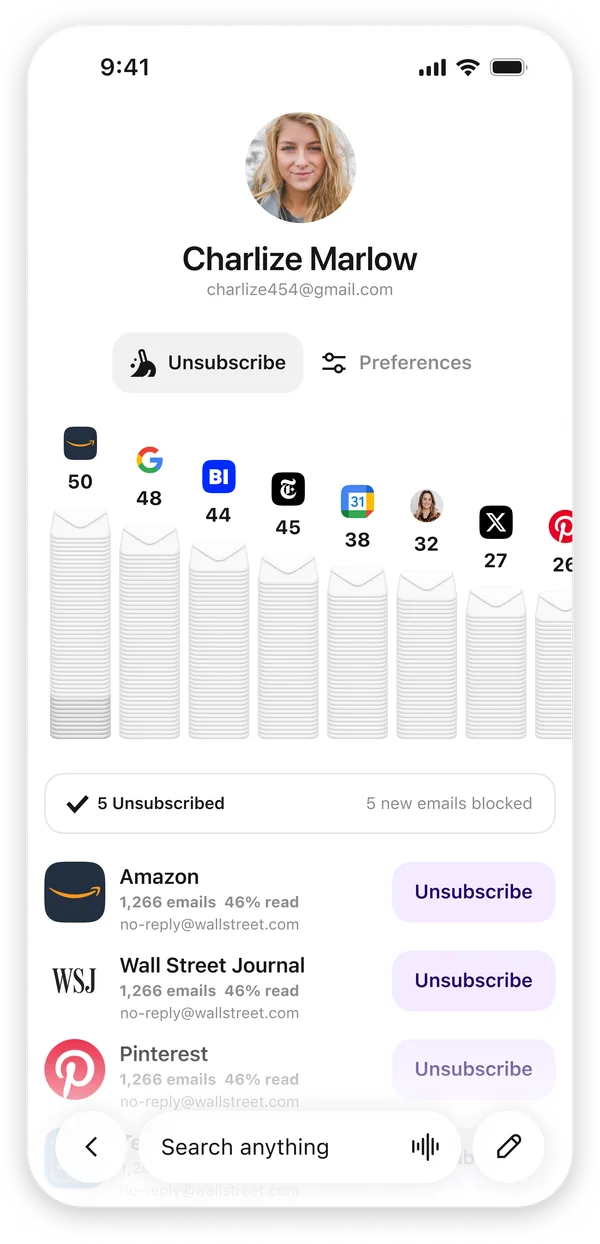
Extra shows you every subscription cluttering your Gmail, then unsubscribes you from all of them at once.
0 subscriptions unsubscribed so far
Free on iPhoneFree to use · Works with Gmail & Outlook · Private by design
Or try Extra on the web


How to clean up Gmail with Extra
Bulk-unsubscribe and declutter your inbox in about five minutes. No deleting emails one at a time.
Download Extra and connect Gmail
Get Extra free on iPhone and sign in with Google's official Gmail sign-in. It works with personal Gmail and Google Workspace.
Open the cleanup view
Extra rounds up the senders you never open and the subscriptions you've outgrown, so everything cluttering your inbox is in one place.
Bulk-unsubscribe and clear the clutter
Unsubscribe from unwanted senders in bulk and archive the rest in a few taps instead of opening each email to hunt for the unsubscribe link.
Stay at inbox zero automatically
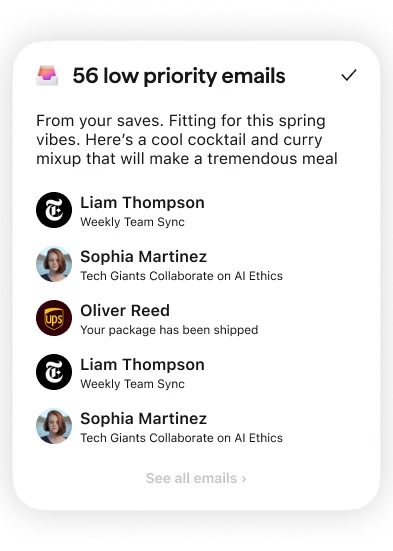
Extra keeps low-priority mail sorted out of your way going forward, so the clutter doesn't pile back up and you actually stay clean.
A cleaner inbox, on autopilot.
Cleanup day is the easy part. Staying clean is the hard one. Extra is an AI email cleaner that keeps working after the purge: each day it sweeps promos, newsletters, and anything else that can wait into a single low-priority card you can skim, or skip, in one glance. The clutter never gets a chance to rebuild.
Loved by people who were done with email.
In their own words, straight from the App Store.
I unsubscribed to over 30 unwanted email subscriptions within seconds of downloading the app. Separating emails out by categories just makes sense.
For the first time I am not scared to open email. This app does a great job of filtering my emails so that I don't miss important ones from the people I care about.
An absolute game-changer. It automatically surfaces what actually matters or needs attention, instead of me digging through everything.
I've used them all, and Extra has by far been the most sensible and powerful email service to date. Thanks for adding value instead of more noise.
Cleanup is just the start.
Extra is a full AI email app for iPhone. The same intelligence that clears the clutter also sorts, summarizes, and answers the mail that's worth keeping.
A calm daily view
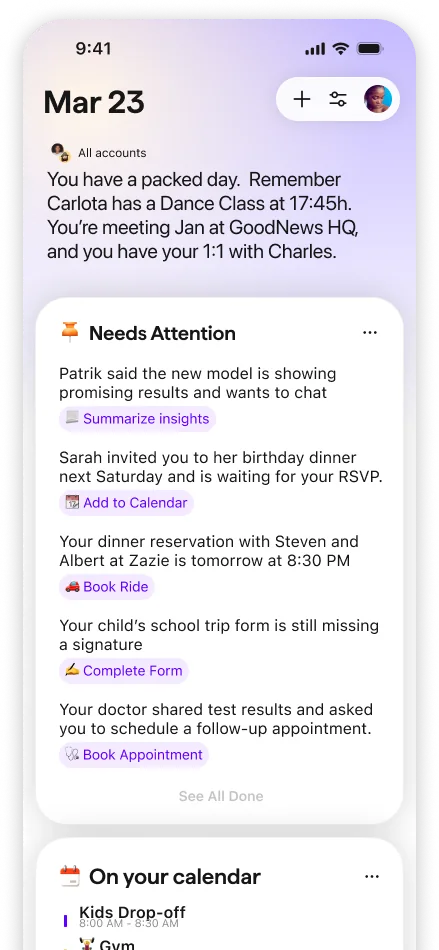
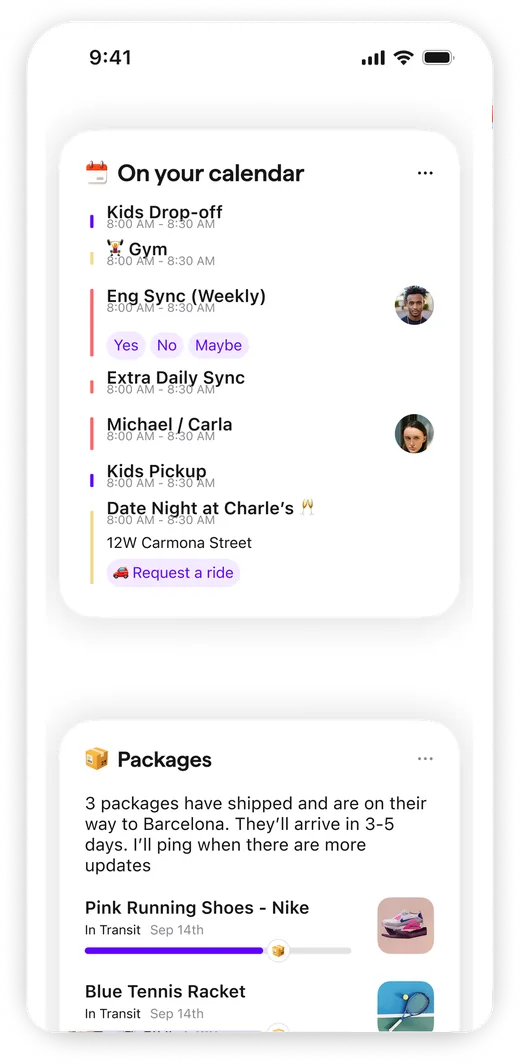
Extra's Today tab reads like a morning briefing: what needs a reply, what's arriving, what's on your calendar, instead of a wall of unread mail.
Smart categories, automatically
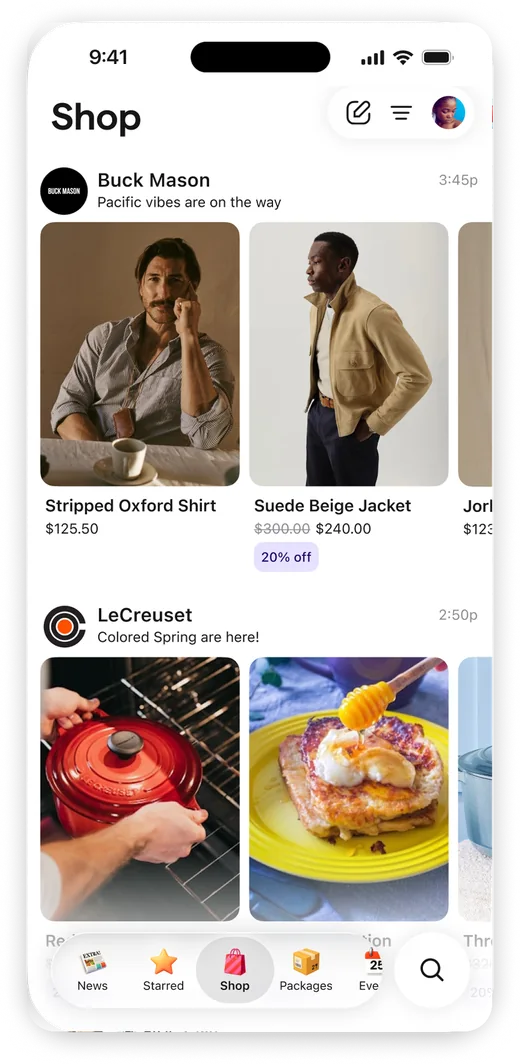
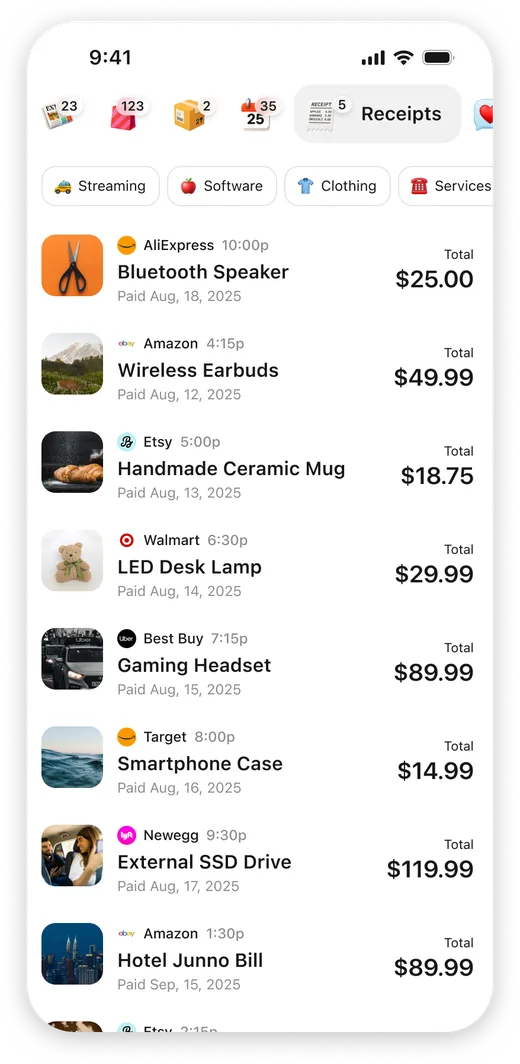
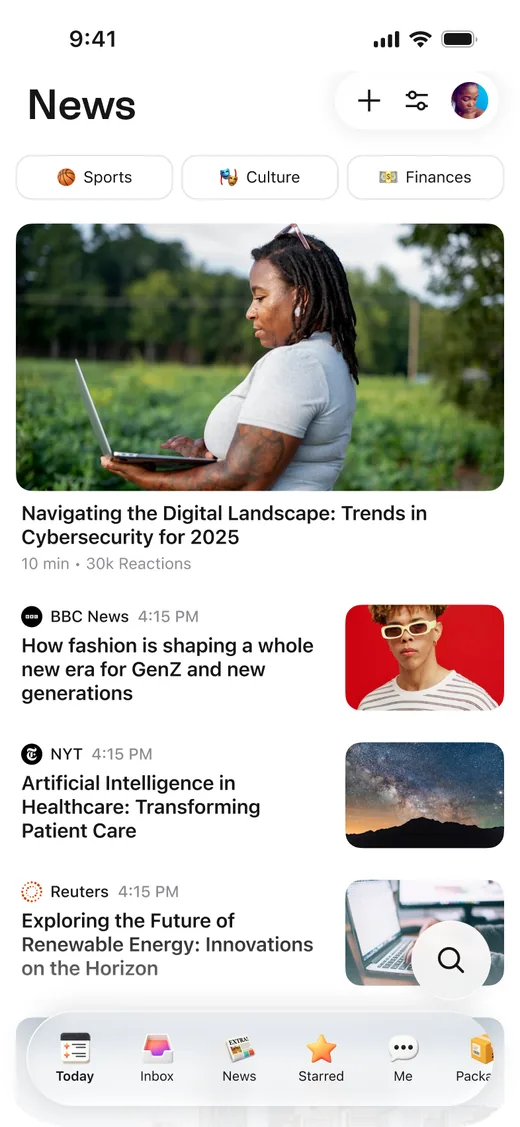
Shopping, travel, finance, receipts, and subscriptions each land in their own view, with no folders or filter rules to set up.
Packages & calendar, sorted
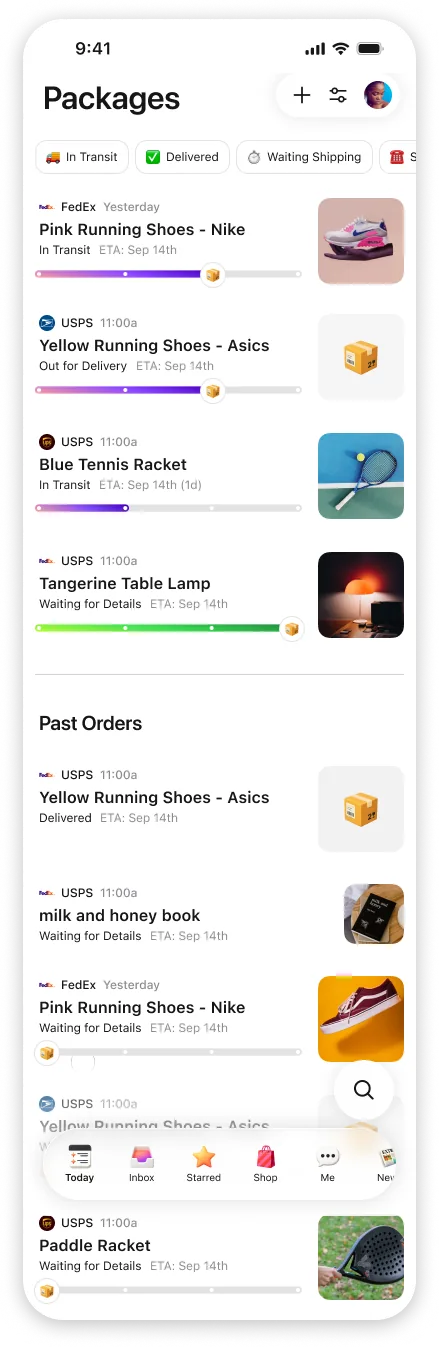
Track every delivery in one place and see events and reservations pulled straight from your email.
Summarizes and replies for you
Extra summarizes long threads, drafts replies in your voice, and can even handle the back-and-forth for you.
Private by design.
Cleaning up means trusting an app with your inbox. Extra is built so your email stays yours.
Official Google sign-in
You connect through Google's own sign-in, and Extra requests only the minimum permissions it needs. You can revoke access from your Google account at any time.
Gmail access verified by Google
Extra's access to Gmail is verified by Google, following an independent security assessment (CASA Tier 2). Your data is encrypted.
Never sold. Your email never trains AI.
Your email powers your features and nothing else. We never sell your data or share your email, AI providers can't train on it, and you can delete your account and data anytime.
Unsubscribe & cleanup FAQ
The questions we hear most from people cleaning up their inbox.
How do I unsubscribe from a lot of emails at once?
Extra lists every subscription in your Gmail on one screen, so you can unsubscribe from dozens of senders in one sitting. No digging through individual emails for tiny unsubscribe links.
Is Extra free?
Yes. Extra is a free AI email app for iPhone that works with personal Gmail and Google Workspace.
Is it safe to give Extra access to my Gmail?
Yes. Extra connects through Google's official sign-in, and its access to Gmail is verified by Google, following an independent security assessment (CASA Tier 2). Your data is encrypted and never sold, and your email is never shared or used to train AI models.
Is it a good alternative to Unroll.me or Clean Email?
It does the same bulk unsubscribe and inbox cleanup. The difference is what happens after. Extra keeps sorting new mail automatically, so you're not repeating the purge every few months.
Does cleaning up delete my emails?
No, not unless you ask it to. Unsubscribing just stops future emails. Clearing out a sender's existing emails is a separate, opt-in choice, and it moves them to Trash (with an undo) rather than erasing them, and Gmail's usual 30-day Trash window still applies.
Ready to clean up your Gmail?
Download Extra free and see what your inbox looks like without the noise.
Free on iPhoneFree to use · Works with Gmail & Outlook · Private by design