The AI email app for your life.
Your inbox, handled. Extra is a free iPhone app for Gmail that reads your inbox for you.
Free on iPhoneFree to use · Works with Gmail & Outlook · Private by design
Or try Extra on the web


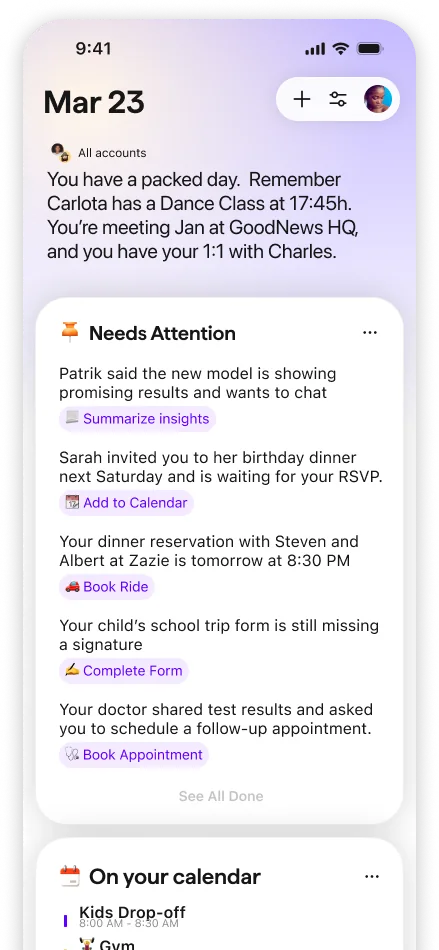
Stay ahead without living in your inbox.
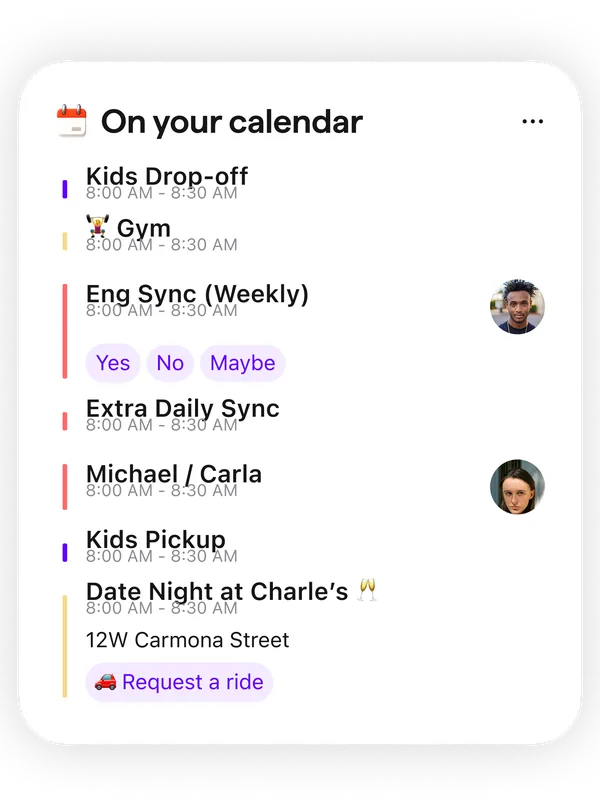
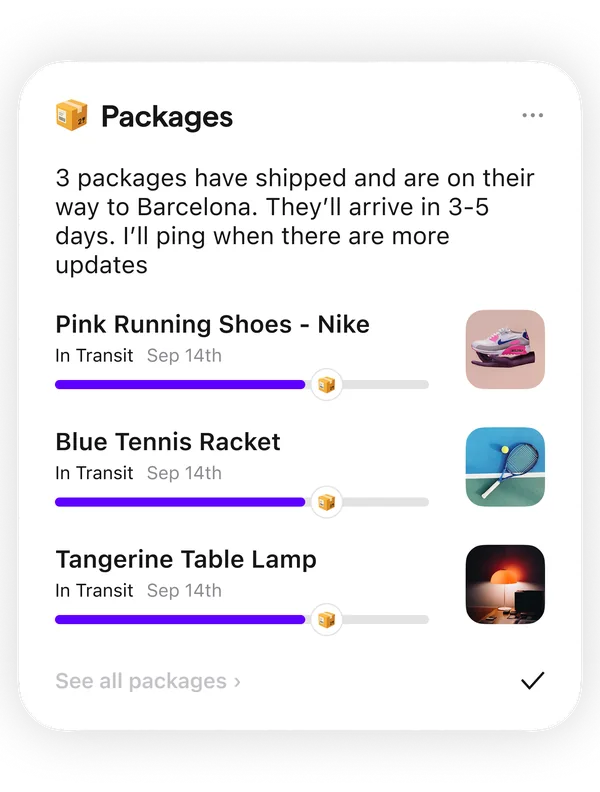
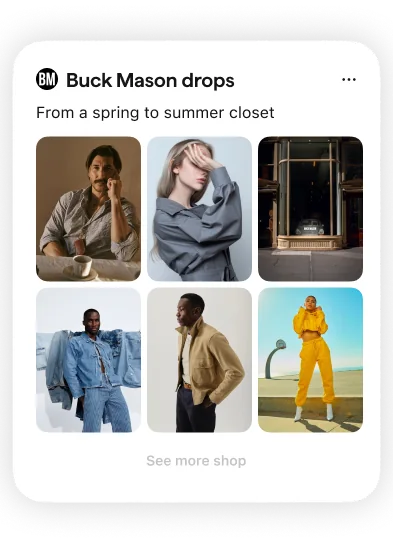
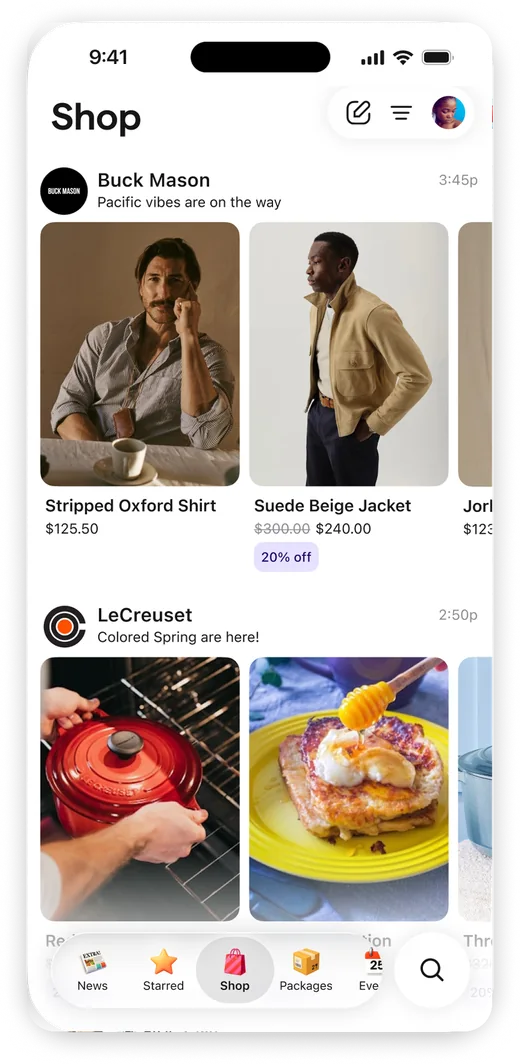
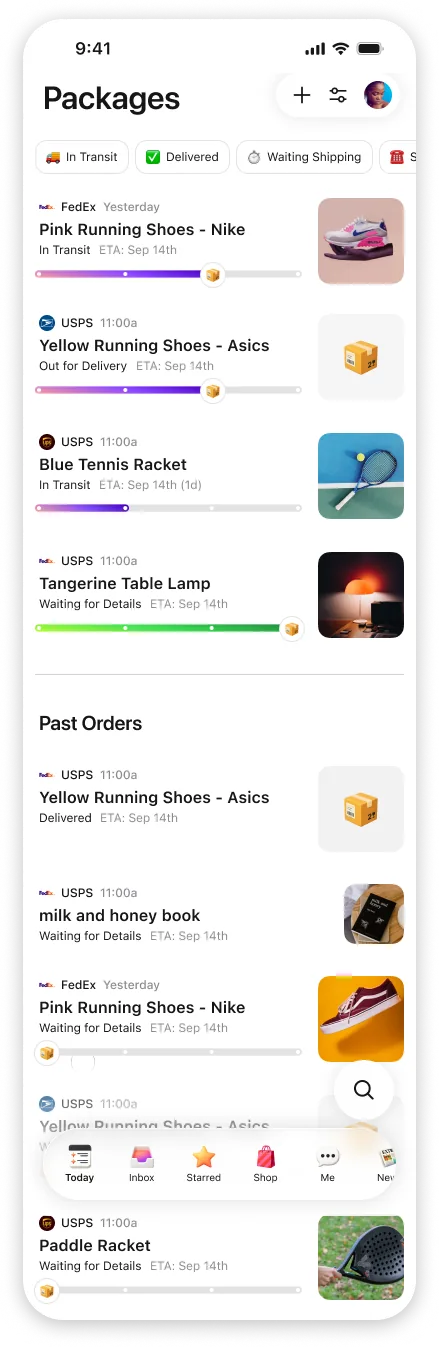
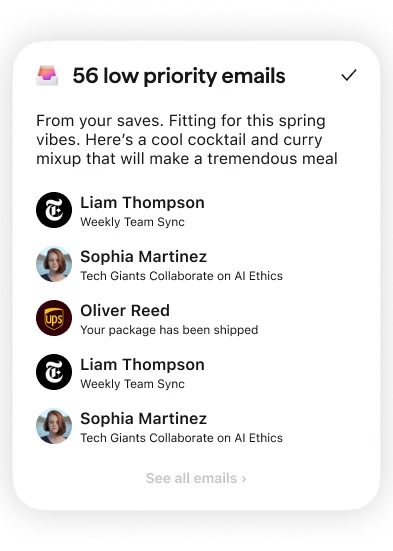
Extra turns email into useful cards for the parts of life email usually interrupts: calendar, packages, shopping, low-priority mail, and the next action waiting on you.
Summarizes your day
Instead of a wall of unread mail, you wake up to a calm rundown of what needs you, what's worth knowing, and what you can safely ignore.
Surfaces what needs action
The reply you owe, the deadline, the delivery, the appointment, all pulled to the top with a useful next step ready, so the email that actually mattered never slips past you.
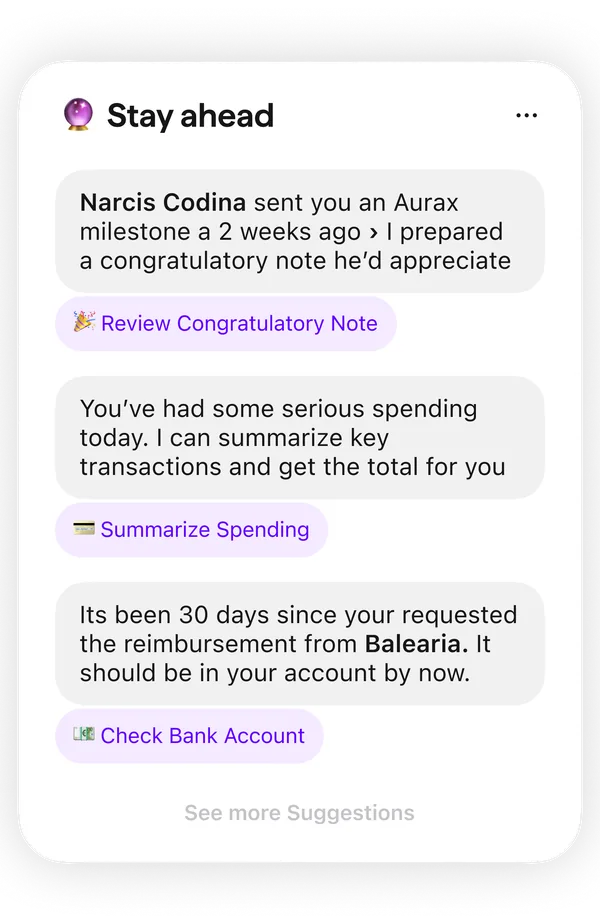
Helps you stay ahead
Extra spots the follow-up you forgot, the reimbursement that should have landed, or the note worth sending, then gives you a clear action to take.
Organizes your inbox
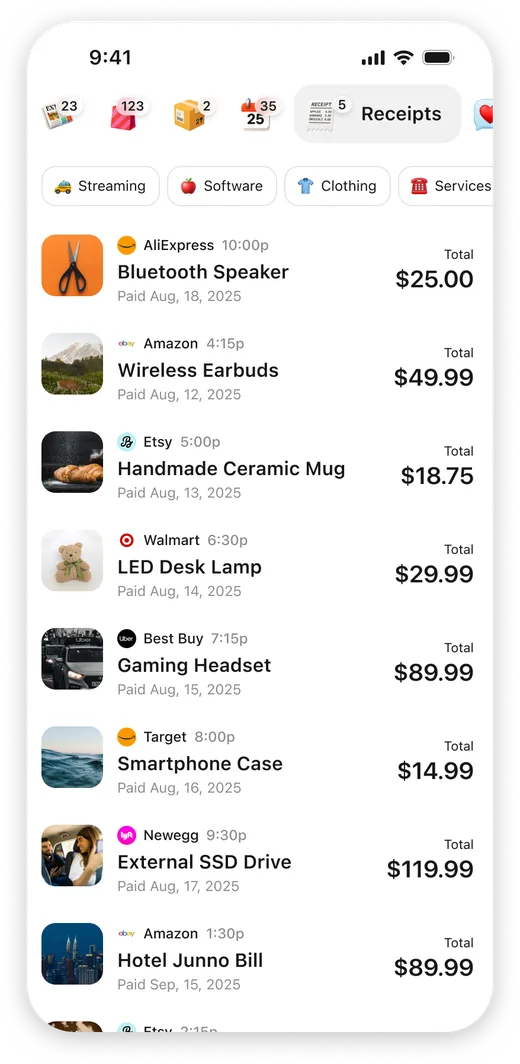
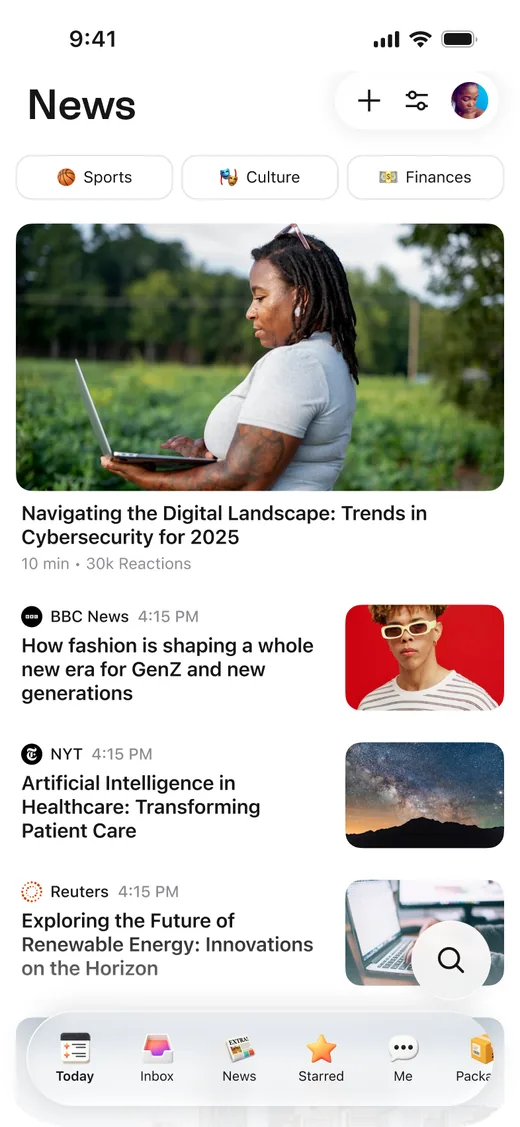
Shopping, travel, finance, subscriptions, family, everything lands in its own view, each one built for the kind of email it holds.
Handles the noise
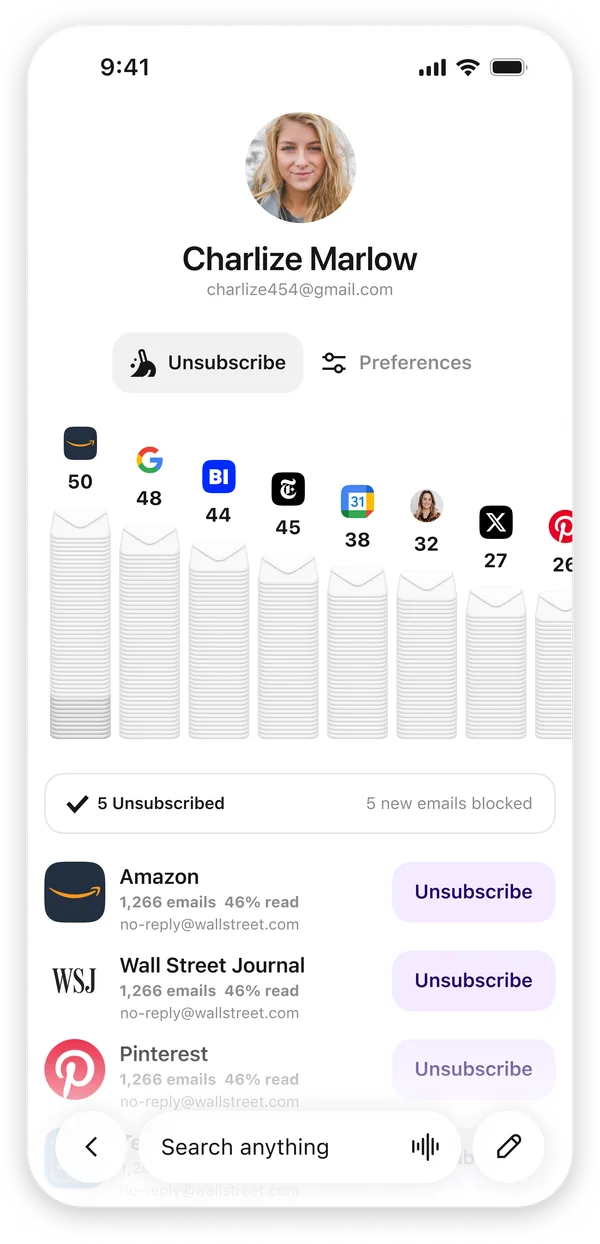
Extra notices the senders you never open and lets you unsubscribe in bulk, so the clutter clears out instead of quietly piling up.
An assistant built into your inbox.
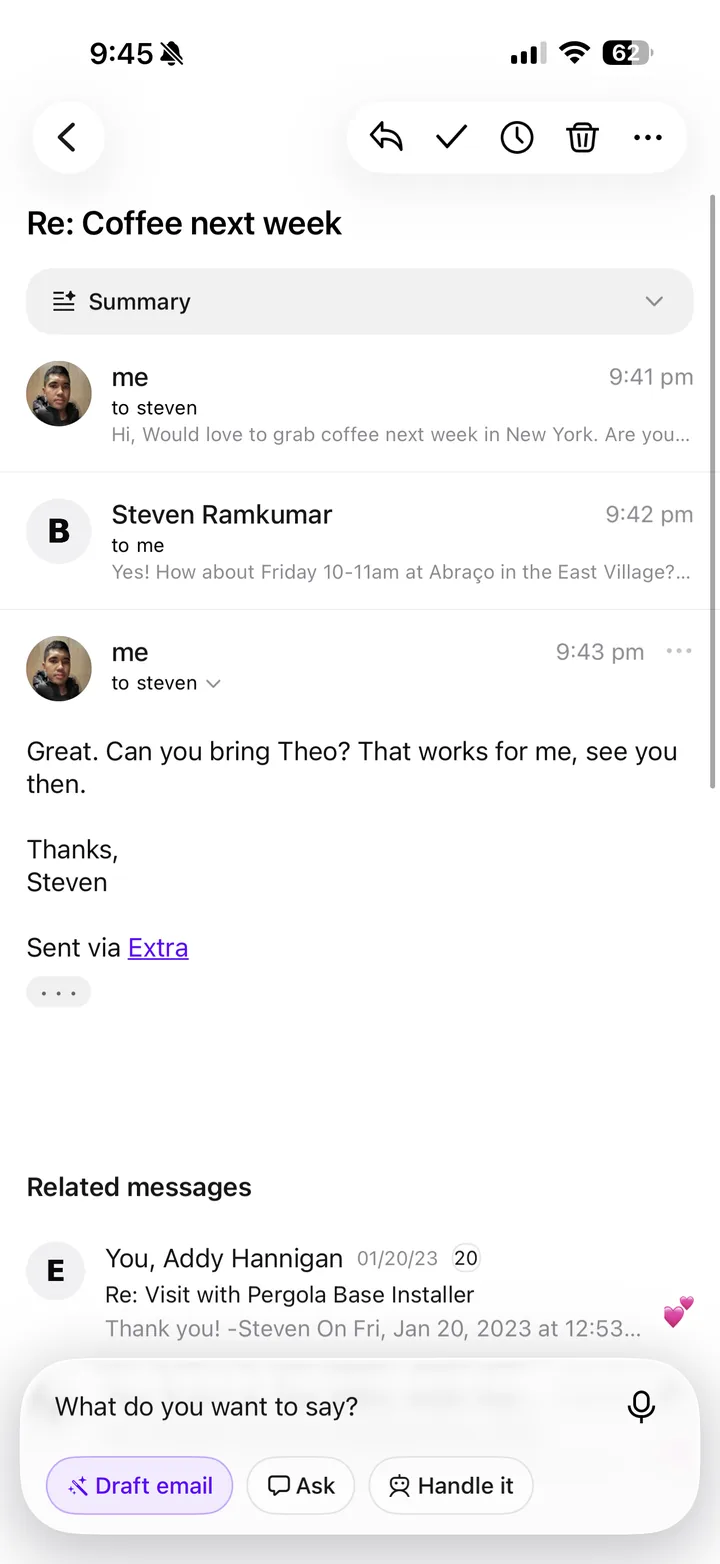
Extra doesn't just keep you organized. It can write your replies, answer questions about what's in your inbox, and handle the back and forth for you.
Draft
Hold to talk and Extra writes the reply back in your voice, ready to send. Or just ask it to start a new message from scratch.
Ask
Wondering when your flight leaves or whether that refund ever came through? Ask, and you'll have an answer in seconds, no digging required.
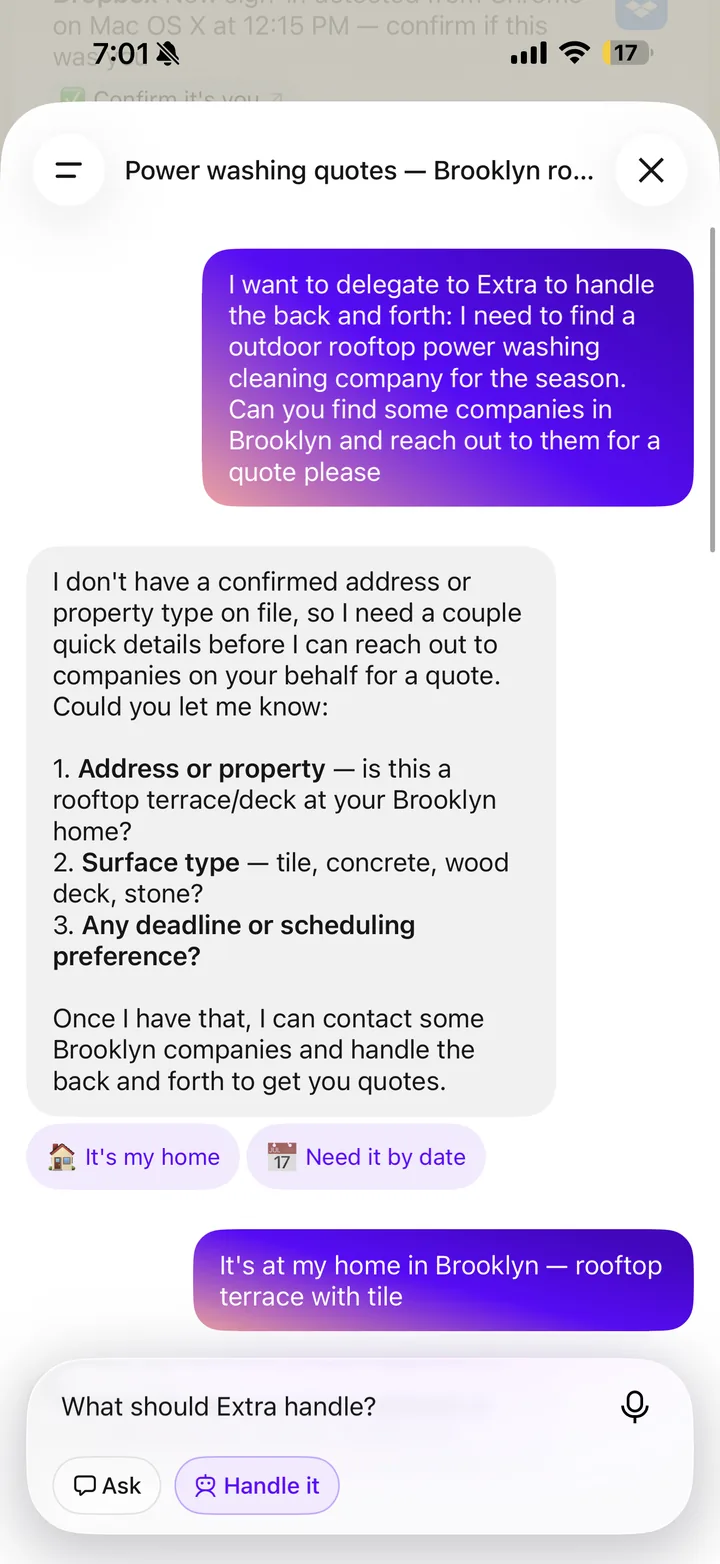
Handle It
Hand off a task and Extra runs with it, only coming back to you when it actually needs a decision.
Built around your life.
Package tracking, travel plans, receipts, bills, subscriptions, calendar invites, Extra gives each one its own view. If your personal email is mostly shopping, travel, finance, school, family, and the odd newsletter, it was built for you. It connects through Google's official Gmail sign-in and works with personal Gmail, Google Workspace, and several accounts at once. Outlook support is coming soon.
A cleaner inbox, on autopilot.
Think of Extra as an AI email cleaner for Gmail. It rounds up the senders you never open and the subscriptions you've outgrown, so you can unsubscribe and declutter in a few taps instead of one message at a time. For a lot of people, it's the easiest way to finally hit inbox zero, and actually stay there.
Loved by people who were done with email.
In their own words, straight from the App Store.
For the first time I am not scared to open email. This app does a great job of filtering my emails so that I don't miss important ones from the people I care about.
Extra has been a life saver: it's amazing at helping me figure out what requires my attention, and I love that I can speak instead of typing.
I unsubscribed to over 30 unwanted email subscriptions within seconds of downloading the app. Separating emails out by categories just makes sense.
Extra is like having an executive assistant in your pocket. Quickly glimpse everything going on in your life. What matters versus what does not.
An absolute game-changer. It automatically surfaces what actually matters or needs attention, instead of me digging through everything.
I've used them all, and Extra has by far been the most sensible and powerful email service to date. Thanks for adding value instead of more noise.
Private by design.
Extra reads your inbox so you don't have to — and it's built so your email stays yours.
Official Google sign-in
You connect through Google's own sign-in, and Extra requests only the minimum permissions it needs. You can revoke access from your Google account at any time.
Gmail access verified by Google
Extra's access to Gmail is verified by Google, following an independent security assessment (CASA Tier 2). Your data is encrypted.
Never sold. Your email never trains AI.
Your email powers your features and nothing else. We never sell your data or share your email, AI providers can't train on it, and you can delete your account and data anytime.
Questions?
The ones we hear most. There's more in our full FAQ.
Is Extra free?
Yes. Extra is a free AI email app for iPhone that works with personal Gmail and Google Workspace. There will always be a generous free plan.
Does Extra work with Gmail?
Yes — Extra is built for Gmail. You connect through Google's official sign-in, and it works with personal Gmail, Google Workspace, and several accounts at once. Outlook support is coming soon.
Is my email private and secure?
Security is at the heart of Extra. Its access to Gmail is verified by Google, following an independent security assessment (CASA Tier 2), and it requests only the minimum permissions it needs. Your data is encrypted and never sold, and your email is never shared or used to train AI models.
Will Extra change or delete my emails?
No. Extra never changes or deletes an email without your consent — everything you see in Extra still lives safely in your Gmail. If you do archive or delete something in Extra, that change syncs to Gmail like any email app.
Ready for a calmer inbox?
Download Extra free and see your Gmail organized — in about two minutes.
Free on iPhoneFree to use · Works with Gmail & Outlook · Private by design